
Search Greene County Court Records Online
The main online channel is the North Carolina eCourts Portal. The Judicial Branch describes the portal as the place to search court records, find hearing dates, view case information and available records or documents, and make payments in eCourts counties. Greene County is part of the North Carolina court system, so the portal is a statewide tool rather than a county-run database. It can be useful for public case summaries, hearing details, docket activity, and payment links, but it does not replace the local clerk's file when a certified copy, older paper record, or complete case packet is needed.
Before searching, gather the party name, case number, citation number, attorney name, or date range. A precise case number usually gives the cleanest result. Name searches can pull people with similar names from other counties, so use the county filter when it appears. For criminal background-check style research, the Judicial Branch points users to the county clerk's office and public terminal route rather than relying only on portal results. The full Greene County court file remains with the Greene County Clerk of Superior Court in Snow Hill.
- Open the North Carolina eCourts Portal and choose the public case search or hearing search function.
- Enter a name, case number, citation number, or attorney name, then narrow the result to Greene County when filters are available.
- Review the case type and division to separate Superior Court matters from District Court matters.
- Open the result to read the docket entries, hearing dates, party names, charges or claims, and available documents.
- Call or visit the Clerk of Superior Court if the portal result is incomplete, restricted, older, or needed as a certified copy.
The Greene County local administrative schedules page is another official path when the need is a court date rather than a full case file. It links local district schedules, civil calendars, criminal calendars, and the Court Dates search. Use those calendar tools when a portal case page does not clearly show the next session or when the user is checking where a matter is set.
The North Carolina Judicial Branch courts overview explains the statewide court system used for Greene County records.
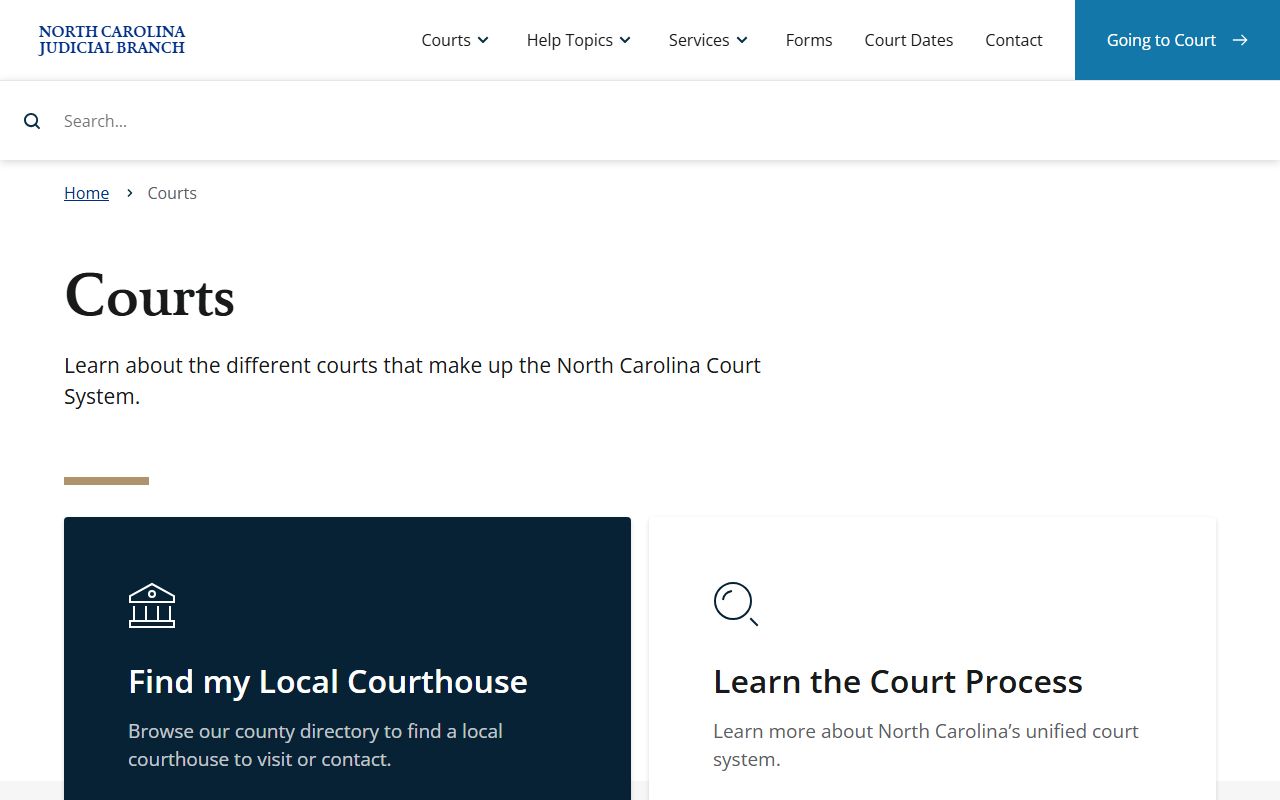
This source is useful because Greene County records are not kept by a separate county court system; they sit inside the statewide General Court of Justice.
Greene County Court Records Search Fields
The portal and court-date tools can expose different labels depending on the search screen, but the research inventory found a consistent set of official search paths. Use the most specific field first. If a case number is unknown, a party-name search can work, but names should be checked against date of birth where public, case type, attorney, county, and court division before treating a result as the right record.
| Field Label | Type | Required | Notes / Format |
|---|---|---|---|
| Smart Search / Search court records | Text | No | Search by name, attorney, citation, and more when the portal permits. |
| Case Number / Record Number | Text | No | Use the exact number when known, such as a North Carolina civil or criminal case format. |
| Party Name | Text | No | Search by defendant, plaintiff, petitioner, respondent, or other party name. |
| Attorney | Text | No | Useful for active civil, family, or criminal cases with counsel listed. |
| Citation | Text | No | Common for traffic and infraction records and online payment checks. |
| County | Dropdown / filter | Recommended | Select Greene County to avoid similar names in other North Carolina counties. |
| Date / Hearing Date | Date / filter | No | Narrows hearing searches and calendar results. |
The North Carolina eCourts Portal screenshot shows the statewide online search and payment access point for Greene County court records.
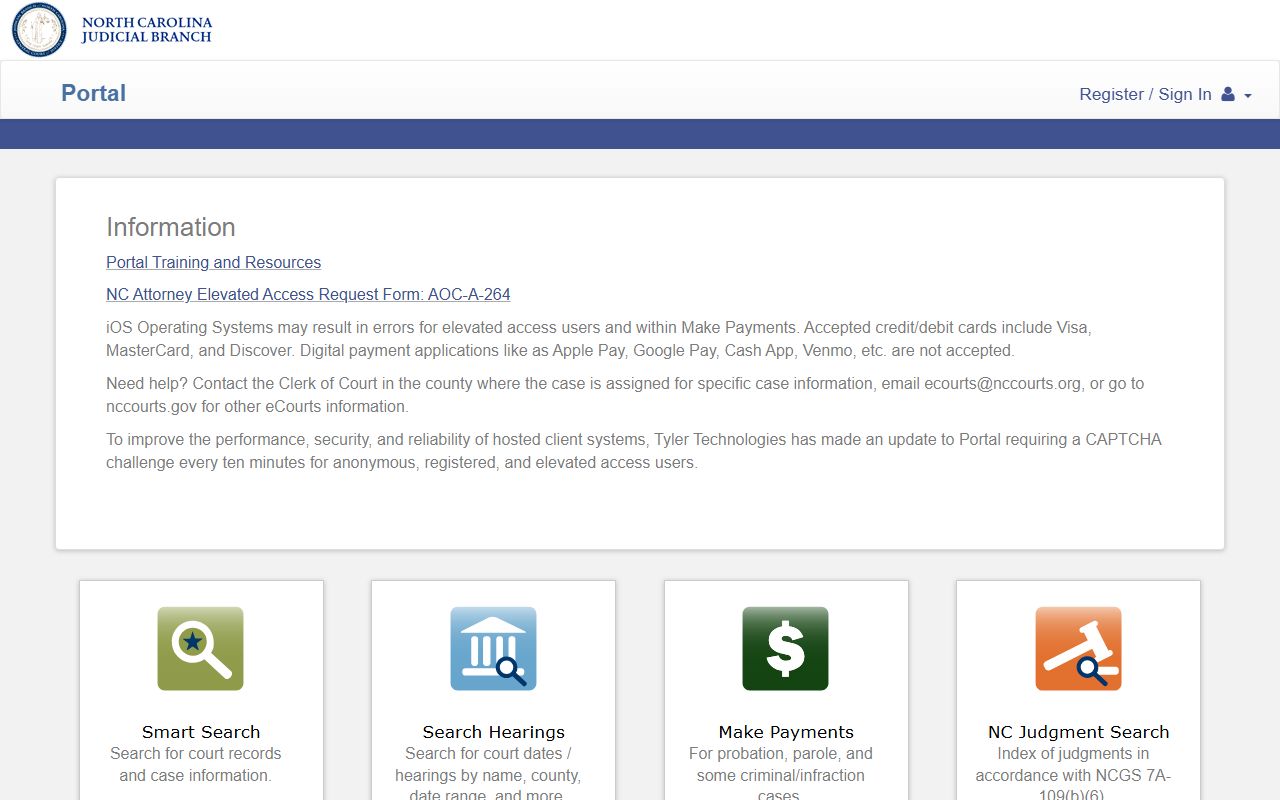
Portal results should be treated as a starting point, especially when a record may need a clerk-certified copy or paper-file review.
Greene County Court Record Types
North Carolina has no separate local court system, so Greene County case records are produced by the state trial courts sitting in the county. Greene County Superior Court handles felony criminal cases, civil cases over the District Court limit, and other matters assigned by law. District Court handles misdemeanors, infractions, most traffic cases, juvenile matters, domestic cases, small claims-related matters, and many civil disputes. Magistrates operate within the District Court structure for initial appearances, small claims functions, warrants, and related process.
Record location can change by subject. Court proceedings such as evictions, foreclosures, judgments, liens on real property, partitions, condemnations, estates, divorces, and special proceedings are in the Clerk of Superior Court's court files. Deeds and most real-estate instruments are not court case records; they route to the Greene County Register of Deeds. Marriage licenses and certified birth, death, and marriage certificates also route to the Register of Deeds, while divorce judgments remain clerk-held court records.
- Civil records include complaints, answers, motions, orders, judgments, liens, executions, and calendars.
- Criminal records include charges, warrants, indictments, pleas, dismissals, judgments, sentences, probation terms, and costs.
- Family and domestic records include divorce, custody, support, alimony, equitable distribution, and protective-order matters.
- Estate and special proceeding records include wills, inventories, accountings, guardianships, foreclosures, partitions, and related clerk matters.
- Traffic court records include citations, waiver eligibility, court dates, dispositions, costs, failures to appear, and payment status.
The North Carolina court structure page is the source that distinguishes statewide court divisions from local county government offices.
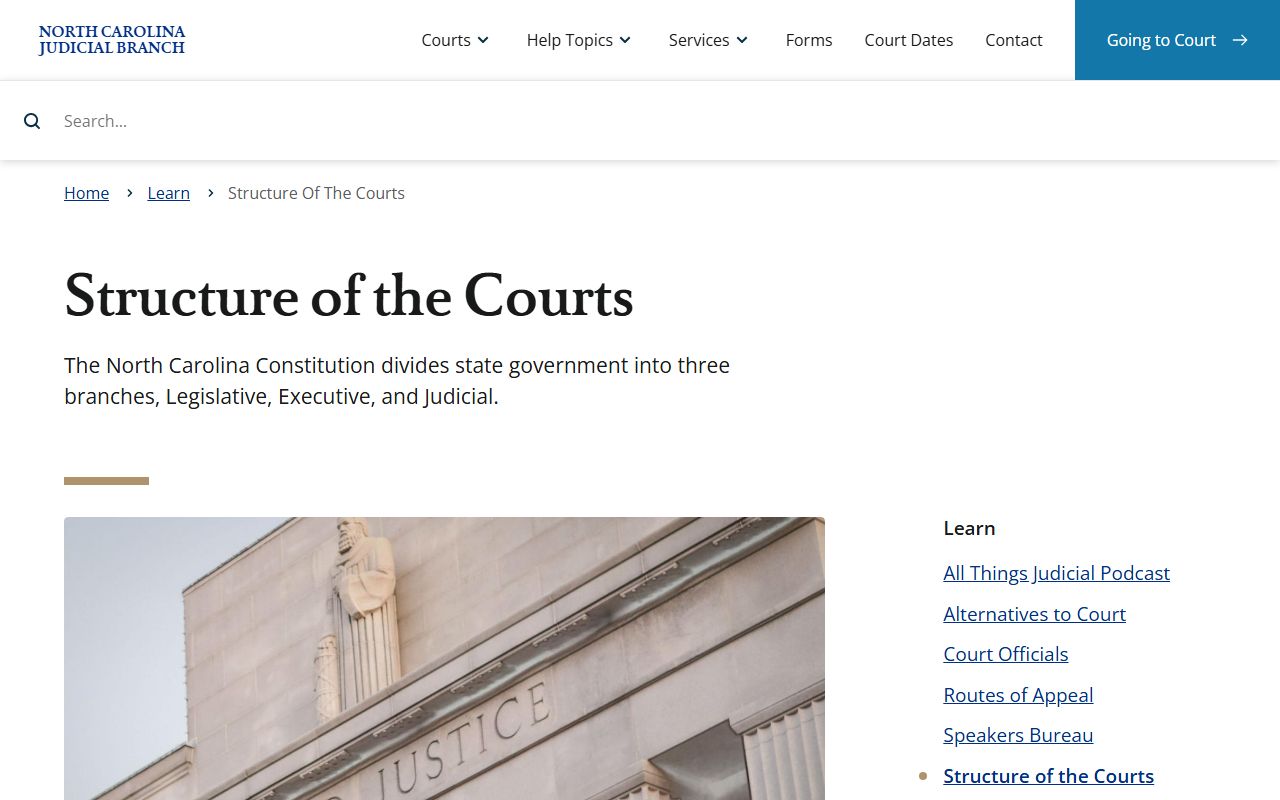
That structure explains why Greene County searches often move between online state systems and local clerk counter access.
What Greene County Court Records Show
A Greene County court record usually identifies the case, court division, parties, filings, hearings, docket events, documents, and outcome. The exact contents depend on the case type. A criminal file may focus on charges, bond, pleas, dispositions, sentencing, and probation, while a civil file may focus on pleadings, motions, orders, judgments, liens, and notices. Estate files may show a decedent, personal representative, letters, inventories, claims, accountings, and clerk orders.
| Field | What It Shows |
|---|---|
| Case Number | Often includes a filing year, case type code, and sequence number, such as CVD, CVS, CR, CRS, SP, or E formats. |
| Court Division | Identifies whether the record is in Superior Court, District Court, a special proceeding, estates, or another case class. |
| Parties | Lists plaintiffs, defendants, petitioners, respondents, the State, decedents, fiduciaries, or attorneys where public. |
| Filing Date | Shows when the case, petition, charge, complaint, citation, or estate file opened. |
| Status | May show pending, disposed, dismissed, closed, continued, reopened, appealed, sealed, or expunged status. |
| Docket Entries | Lists filings, orders, hearings, continuances, judgments, dismissals, pleas, sentencing, and appeal events. |
| Documents | May include pleadings, motions, notices, orders, judgments, warrants, indictments, inventories, or accountings when public. |
Readers should not assume every document listed in a paper file is available online. Portal may show case information and some records or documents, while the complete paper file may still require a clerk visit or copy request. Redactions can remove Social Security numbers, financial account numbers, minor names, protected addresses, mental-health information, and other sensitive details.
Public Access to Greene County Court Records
North Carolina public-record law starts with broad access. G.S. 132-1 defines public records broadly and states that public records belong to the people unless another law restricts them. For court files, G.S. 7A-109 requires clerks to maintain records, files, dockets, and indexes, and it recognizes inspection during regular office hours unless access is prohibited by law.
Practical access uses several channels. Online searches begin with eCourts Portal and Court Dates. Public self-service terminals at a clerk's office can search criminal case information by defendant name, case number, or victim/witness name, and terminals also support civil, special proceeding, and estate information. Paper files are viewed at the clerk's office in the county where the case is located. Copies are available for a fee, but the research did not locate a Greene County-specific plain-copy or certified-copy rate, so current statewide cost schedules and clerk confirmation should be used before ordering.
Note: County public-information requests are for Greene County local-government records, not a substitute for court case files held by the clerk.
The Judicial Branch obtaining court records page documents terminals, Portal access, paper files, and copy requests.
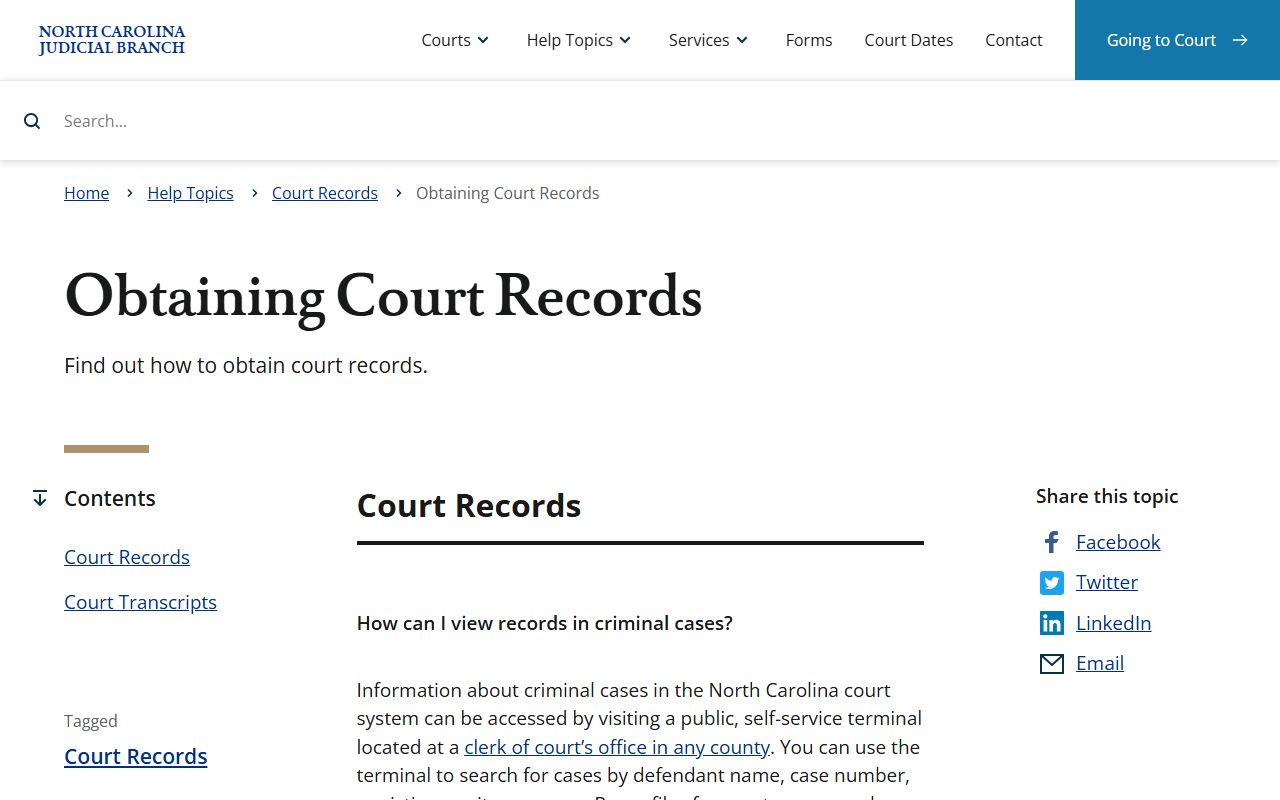
That guidance is important for Greene County because it separates quick online lookup from formal copy access through the local clerk.
Restricted Greene County Court Records
Some Greene County court records are not open like ordinary civil or adult criminal files. Juvenile delinquency records are governed by Chapter 7B and are limited to parties, attorneys, agencies, and others allowed by statute or court order. Abuse, neglect, and dependency records are withheld from public inspection under G.S. 7B-2901 except when a statute or court order permits access. Adoption records are confidential and sealed under G.S. 48-9-102, with limited exceptions.
Expunction creates a different limit. Under G.S. 15A-153, an expunction clears the public record of an arrest, charge, or conviction entry so normal public checks do not disclose it. Eligibility may arise under G.S. 15A-145.5 for certain nonviolent misdemeanors and felonies, but eligibility depends on the offense, disposition, waiting period, prior record, and exclusions. A dismissal does not always vanish from public search without an expunction order.
| Restricted Category | Practical Access Rule |
|---|---|
| Juvenile delinquency | Not generally public like adult criminal records; access depends on Chapter 7B. |
| Abuse, neglect, dependency | Withheld from public inspection except by court order or statutory access. |
| Adoption | Confidential and sealed with limited statutory exceptions. |
| Sealed case | Hidden from public view by statute or court order. |
| Expunged record | Cleared from normal public record checks after the court grants relief. |
The Judicial Branch court records help topic collects statewide background-check, expunction, and court-record guidance.
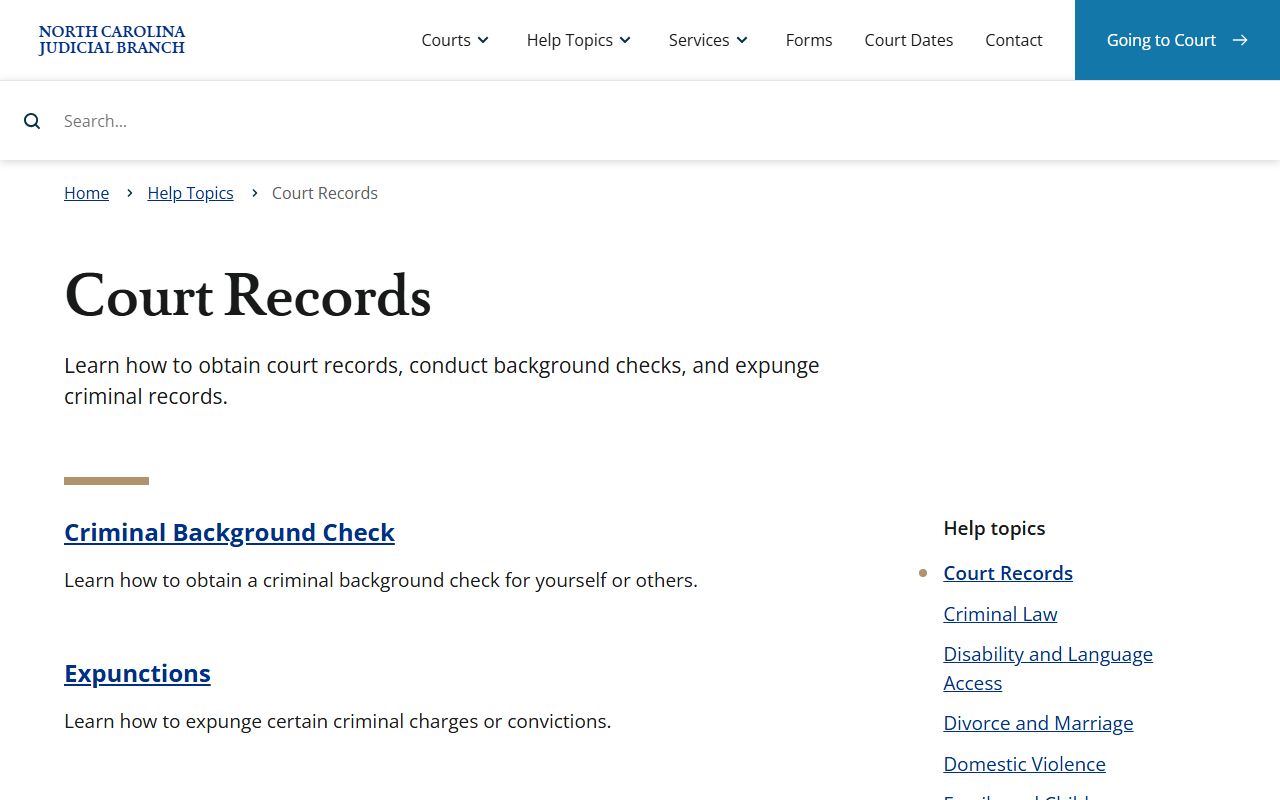
Use that hub for statewide record topics, while Greene County case copies still route through the Snow Hill clerk's office.
Greene County Court Record Requests
The in-person channel matters when Portal is incomplete, a record is older, a certified copy is needed, or a background-check style search must be run at a clerk terminal. The Greene County Courthouse is at 301 N Greene St. in Snow Hill. The courthouse page lists the mailing address as PO Box 675, Snow Hill, NC 28580 and the main phone as (252) 747-6200. Clerk counter access is listed as 8:30 a.m. to 4:15 p.m., while general courthouse hours are 8:00 a.m. to 5:00 p.m. Monday through Friday.
Mail payments for eligible court fees, fines, or traffic citations go by money order or certified check only, payable to Greene County Clerk of Superior Court. The payment page says not to mail cash or personal checks and to include the citation number for eligible traffic citation payments. In-person court payments may use cash, credit or debit card with processing fees and some restrictions, money order, or certified check. Call before mailing a copy request because copy fees, certification needs, and file availability can vary by case type.
Greene County Clerk of Superior Court
301 N Greene St.
Snow Hill, NC 28580
(252) 747-6200
Clerk counter: 8:30 a.m. to 4:15 p.m.
The North Carolina Judicial Branch services page links Portal, File & Serve, Guide & File, Court Dates, public-record requests, and other statewide tools.
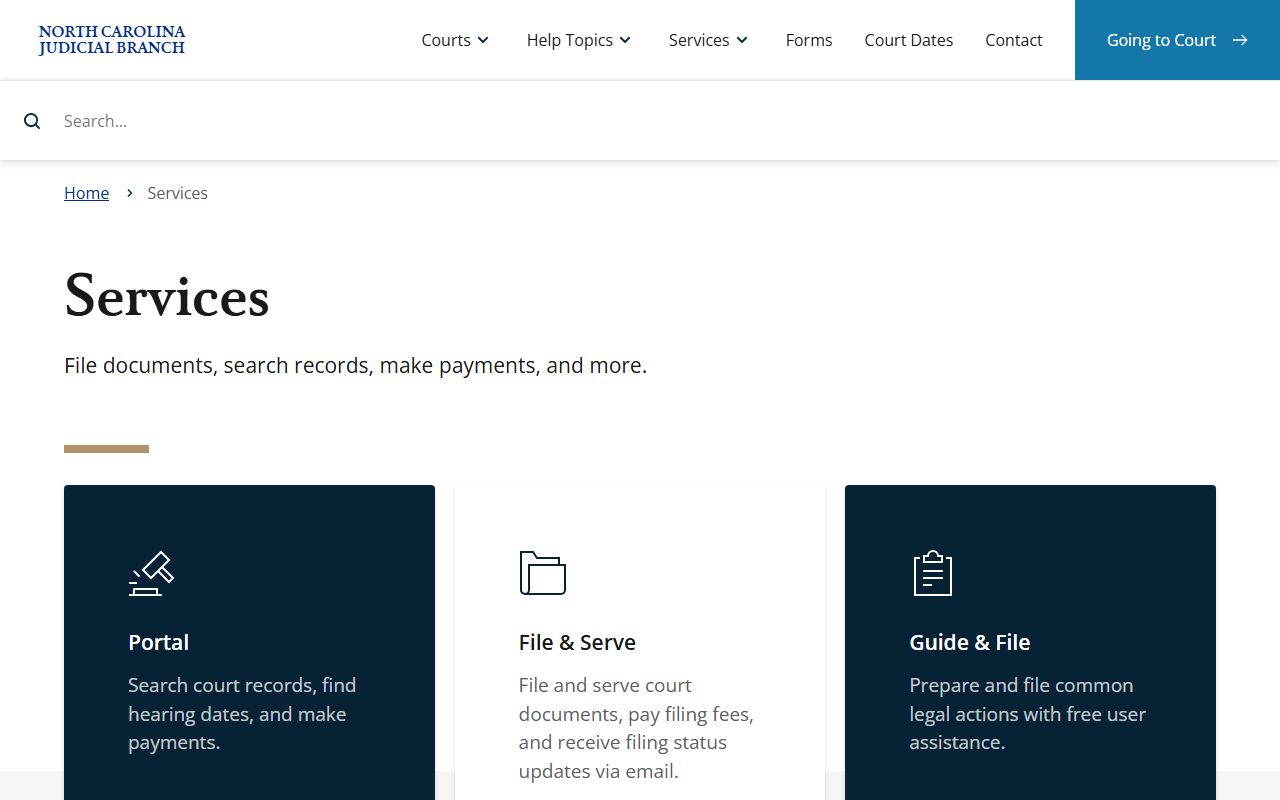
Those services work alongside the local clerk office, which remains the source for files, terminals, and certified court copies.