
Greene County Court Dockets
A docket is the court's running list of case activity. In Greene County, a docket entry can show that a complaint was filed, a criminal charge was set for hearing, a motion was noticed, an order was entered, a case was continued, a plea was taken, or a judgment was filed. A calendar is closely related, but it usually lists cases set for a session on a given date. The docket tracks a case's history, while the calendar tells a person when and where a case is scheduled.
Greene County dockets belong to North Carolina's unified court system. Superior Court dockets cover felony criminal cases, civil cases over $25,000, and other superior matters. District Court dockets cover misdemeanors, infractions, many traffic matters, juvenile and family cases, small claims-related matters, and other district-level files. Magistrate activity, initial appearances, warrants, and small claims functions may also feed into District Court records. If the docket shows only a brief event, the full case file may still need to be reviewed through the Clerk of Superior Court.
- Docket
- A chronological list of filings, hearings, actions, and orders in a case.
- Calendar
- A list of cases scheduled for a specific court session, date, or courtroom.
- Disposition
- The outcome of a case or charge, such as dismissed, guilty, judgment entered, or closed.
- Continuance
- A postponement of a hearing or trial to a later date.
Find Greene County Court Dates
The first official docket channel is the Greene County local administrative schedules page. It links the district schedule, civil calendars, criminal calendars, and Court Dates search. That page is the most local starting point when the user needs to know when a Greene County case is scheduled. For a broader case lookup, the North Carolina eCourts Portal can search case information, hearing dates, documents where available, and payments in eCourts counties.
- Open the Greene County local administrative schedules page and choose Court Dates, civil calendars, criminal calendars, or district schedules.
- Search by name, case number, citation number, attorney, or county, depending on the official screen being used.
- Filter to Greene County when the search tool is statewide or includes multiple counties.
- Read the calendar date, court division, case number, party name, hearing type, and session information.
- Confirm unclear or high-stakes results with the Greene County Clerk of Superior Court before relying on the date.
The local schedules page also helps when portal case information and a posted calendar need to be reconciled. Calendars can change after continuances, attorney motions, weather closures, court conflicts, or administrative updates. A person with a hearing should verify the date near the hearing day, especially if a missed court date could create an order for arrest or failure-to-appear issue.
The Greene County local administrative schedules screenshot shows the local calendar hub for court dockets.
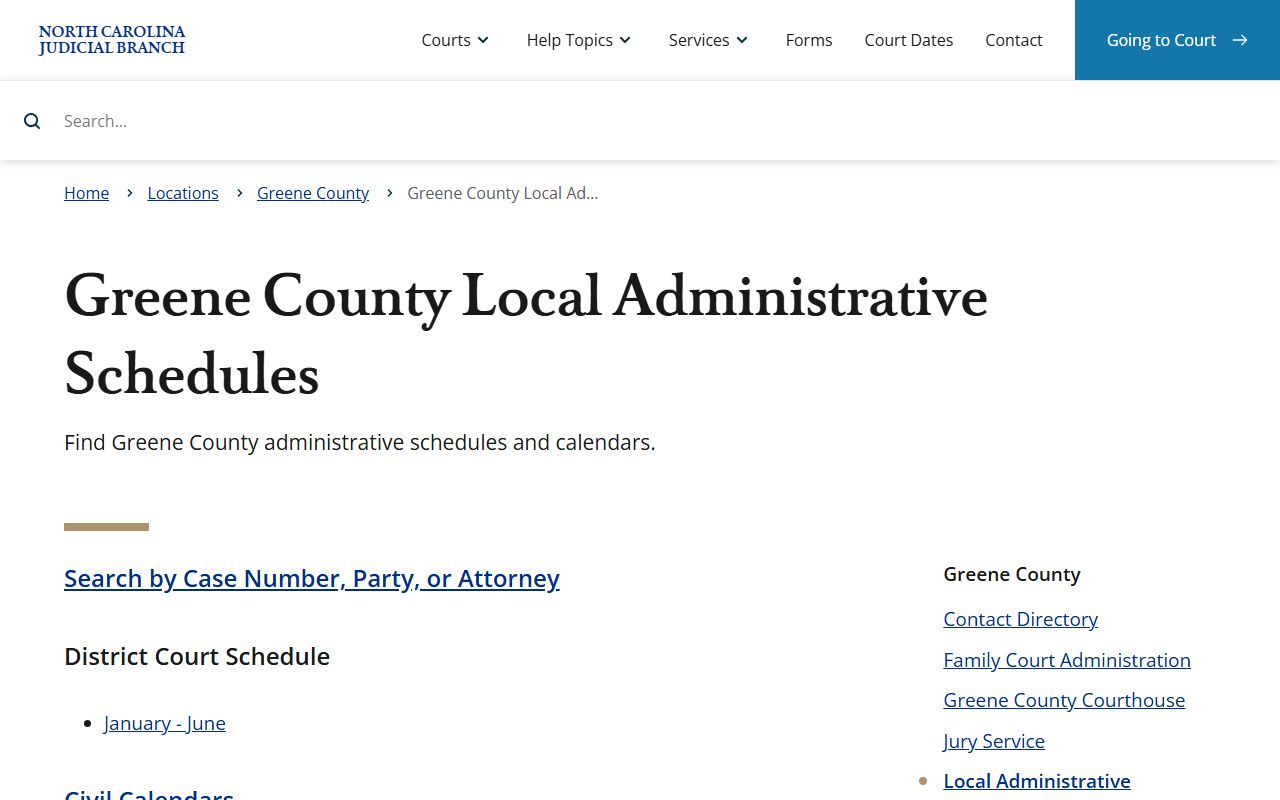
This image points to official local calendars rather than a third-party date list.
Greene County Docket Fields
No official sample docket entry was available from the Tyler portal during source review. The official court descriptions still identify the key fields a Greene County docket or calendar search can show. Use the field list as a practical reading aid, then confirm the complete case file with the clerk if the entry affects a deadline, warrant risk, payment, or legal filing.
| Field | What It Shows |
|---|---|
| Case Number | The North Carolina case identifier, often with a year, case type code, and sequence number. |
| Court Division | Superior Court, District Court, estates, special proceedings, traffic, family, or another case class. |
| Party Name | The defendant, plaintiff, petitioner, respondent, or other public party tied to the docket entry. |
| Hearing Date | The scheduled date and time for the next session or event. |
| Calendar Type | Civil calendar, criminal calendar, district schedule, or other official calendar grouping. |
| Docket Entry | A filed document, order, motion, continuance, plea, judgment, dismissal, or other case event. |
| Disposition | The outcome if the case or charge has been resolved. |
For family cases, the Family Court Administration page tells callers to have the file number from the upper right corner of court documents, with an example format of 00-CVD-0123. That same approach helps with other Greene County docket questions: case numbers reduce confusion, especially when party names are common or cases have similar captions.
Greene County Courts With Dockets
Greene County is listed by the Judicial Branch as Prosecutorial District 9, Superior Court District 9A, and District Court District 9. The local court page and contact directory tie Greene County hearings to the courthouse in Snow Hill, not to county-run municipal courts. Municipal police agencies may create reports and citations, but North Carolina does not operate separate municipal courts for local case files. Filed cases move through the state trial divisions.
| Court or Office | Docket or Calendar Role |
|---|---|
| Greene County Superior Court | Felony criminal, civil over $25,000, superior civil calendars, and superior criminal calendars. |
| Greene County District Court | Misdemeanor, infraction, traffic, juvenile, domestic, small claims-related, and district civil calendars. |
| Magistrate functions | Initial appearances, warrants, small claims functions, and process that may connect to District Court records. |
| Clerk of Superior Court | Public terminals, case files, docket indexes, copies, estates, and special proceedings. |
| District Attorney | Prosecutorial District 9 criminal calendars and state criminal case scheduling context. |
The Greene County local rules and forms page is relevant to dockets because local rules, bail policy, civil rules, domestic forms, and pro se divorce packets can affect how hearings are set and prepared.
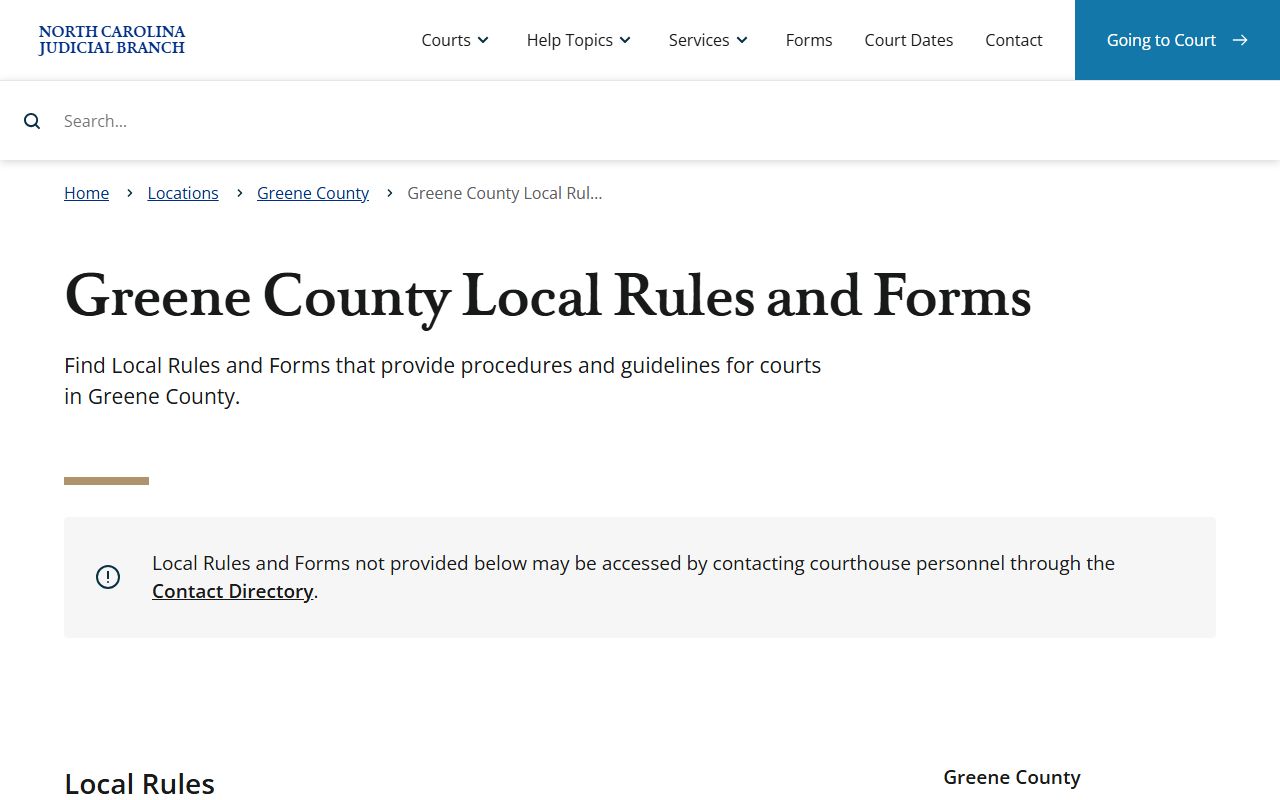
Rules and forms do not replace a calendar search, but they explain why a case may need a specific filing or hearing track.
Greene County Dockets vs Case Files
A docket is useful for tracking progress, but it is not the entire court record. A docket can say that a motion was filed, a hearing was continued, or judgment was entered. The full case record can contain the motion, exhibits, signed order, judgment, sentencing sheet, estate accounting, or other document that explains the entry. Portal may show some documents online, but older records, sealed documents, certified copies, and paper-only files may still require a clerk request.
| Docket | Full Case Record | |
|---|---|---|
| Format | Chronological list of entries and dates. | Documents, pleadings, orders, judgments, exhibits where public, and docket history. |
| Best Use | Check status, hearing dates, continuances, and case progress. | Review legal filings, obtain certified copies, and verify the exact order or judgment. |
| Access | Often through Portal, Court Dates, calendars, or public terminals. | Portal where documents are available, clerk terminals, paper file inspection, and paid copies. |
| Limit | May not show the document text or full legal effect. | May include confidential, sealed, or redacted material not open to the public. |
Use Greene County court records access when the issue is the complete file rather than a hearing date. That is especially important for divorce judgments, estate orders, criminal sentencing details, and civil money judgments.
Read Greene County Court Dockets
Common docket terms are short because the docket is an index, not a narrative. "Motion" means a party asked the court to take action. "Order" means the judge or clerk issued a directive. "Judgment" is an enforceable decision. "Plea" is the defendant's formal response to a criminal charge. "Dismissed with prejudice" generally means the claim or charge cannot be refiled in the same way, while "dismissed without prejudice" can leave room for refiling if the law allows it.
Disposition terms deserve care. A criminal docket may list guilty, not guilty, dismissed, probation, restitution, sentence, appeal, or costs. A civil docket may list judgment entered, consent order, voluntary dismissal, default, closed, or appeal. A traffic docket may show waived, paid, responsible, dismissed, failure to appear, or compliance. If the meaning is unclear, contact the clerk before assuming a result.
Note: A missed Greene County court date can lead to a failure-to-appear entry or court process, so verify dates early.
The Judicial Branch eCourts rollout release describes current online search, document, hearing, and payment functions.
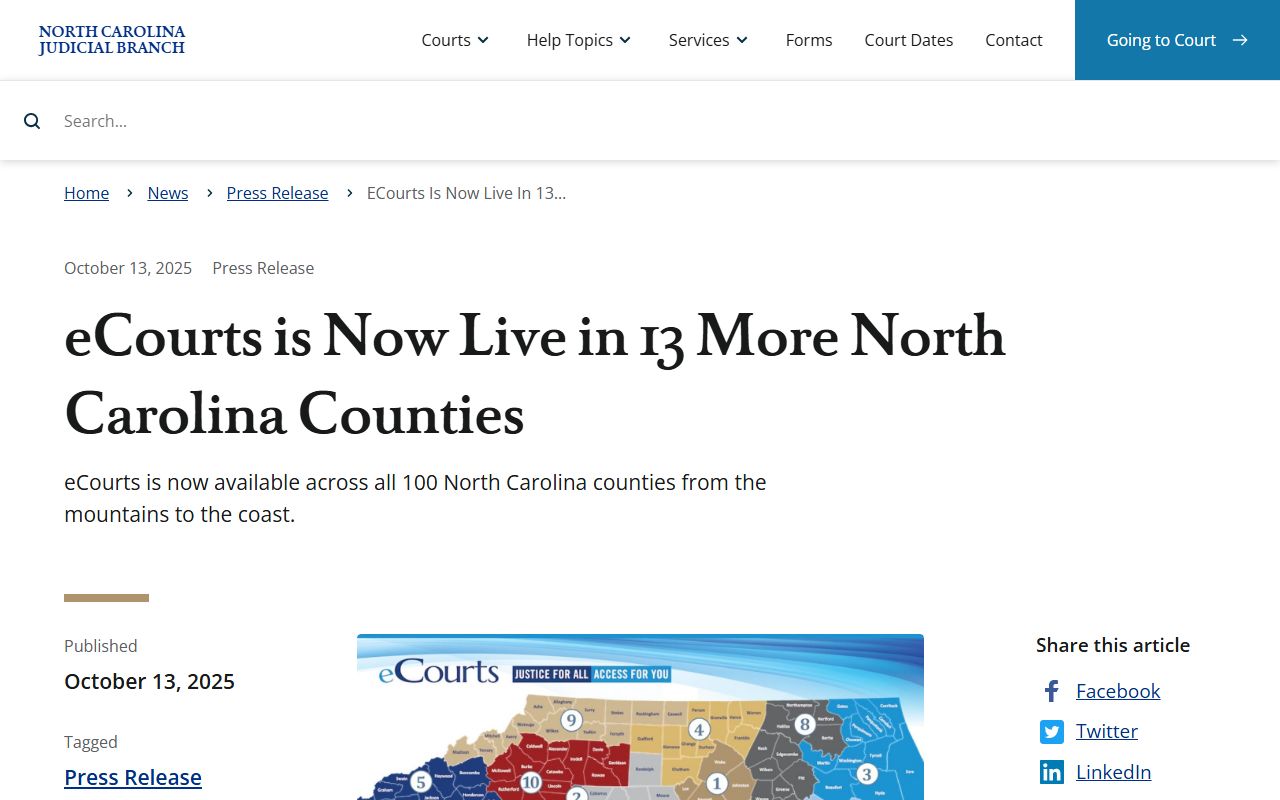
That rollout context matters because Greene County docket access now depends on both local schedule pages and statewide eCourts tools.
Confirm Greene County Dockets
When online docket results conflict, the local clerk is the practical confirmation point. The Greene County Clerk of Superior Court can help with court case status, public terminal access, paper-file review, copies, and questions about whether a record is available to the public. Clerk staff cannot give legal advice, but they can identify the file, explain official access channels, and route copy requests. The courthouse page lists the main phone as (252) 747-6200, and the contact directory also lists the clerk fax as (252) 747-6201.
Use phone confirmation for urgent calendar questions, but plan ahead for copies or paper records. If a person needs a certified order, judgment, or full docket sheet, the clerk may need the case number, party name, date range, and exact document requested. Mail payments tied to eligible fees or citations must follow Greene County payment rules: money order or certified check only, no cash and no personal checks, payable to Greene County Clerk of Superior Court and mailed to the courthouse PO Box.
Greene County Clerk of Superior Court
301 N Greene St.
Snow Hill, NC 28580
(252) 747-6200
Clerk counter: 8:30 a.m. to 4:15 p.m.